What’s next

Plany, at a glance.

Available in Planify 1.1 for iPhone. More-screen layouts are design previews. Tap or click an island to expand or collapse.

iPhone

Your next task, right in Dynamic Island.
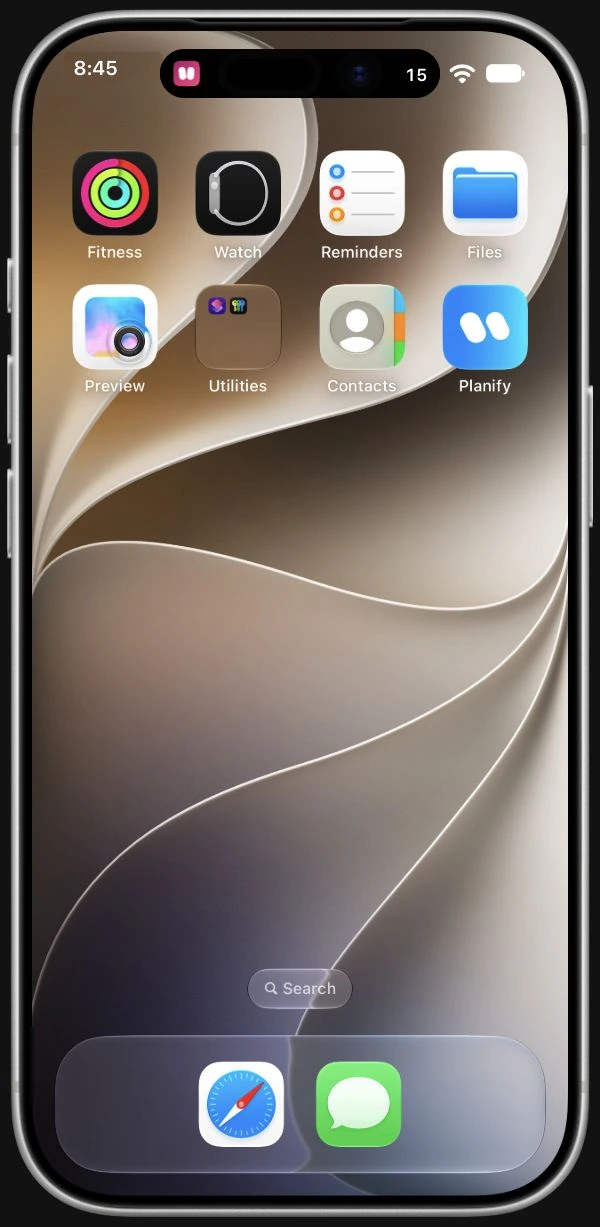
iPhone preview with Plany and 15 remaining items in the compact Dynamic Island.
Compact
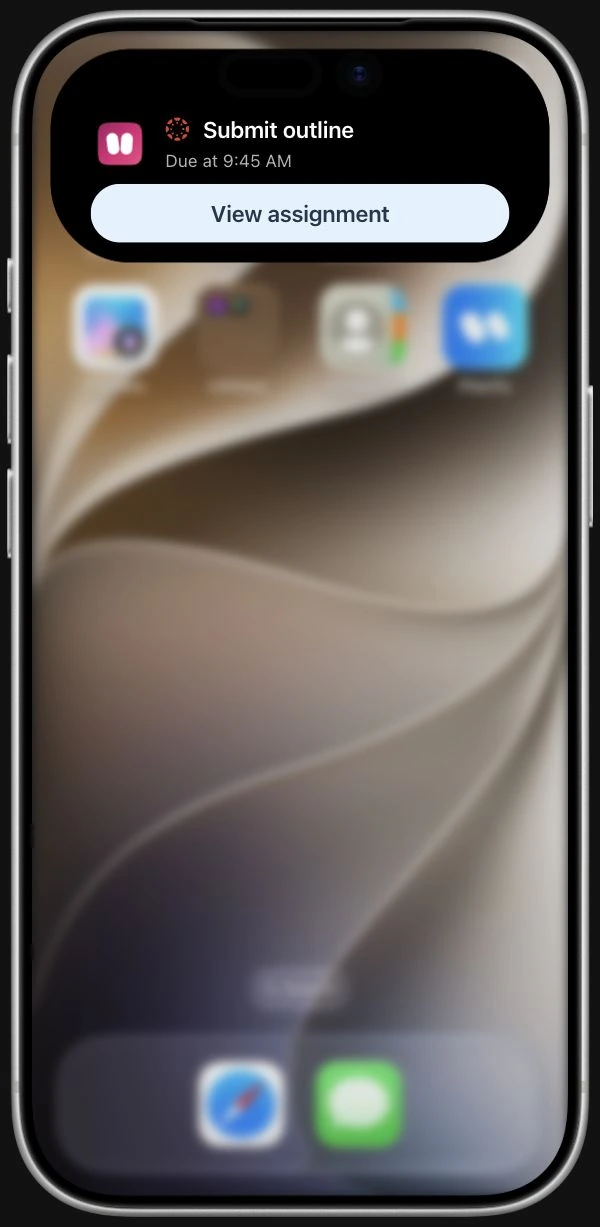
iPhone preview with a Canvas assignment in the expanded Dynamic Island.
Expanded

iPhone Duo

The same Plany, open or closed.
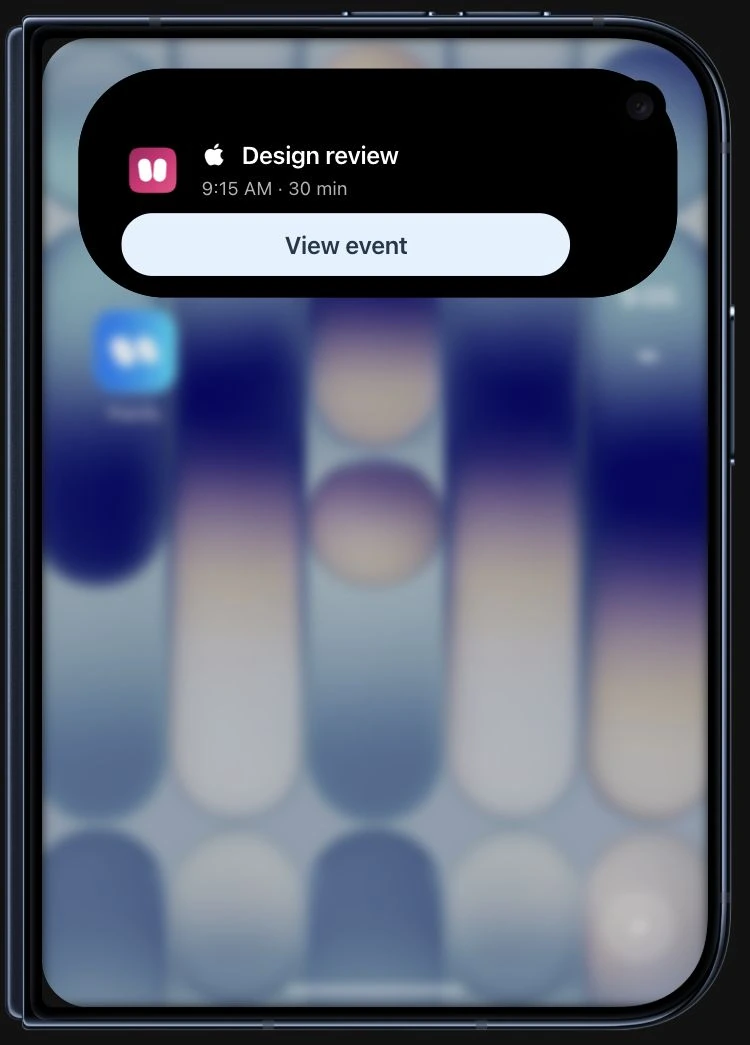
Closed iPhone Duo preview with an Apple Calendar event.
Closed
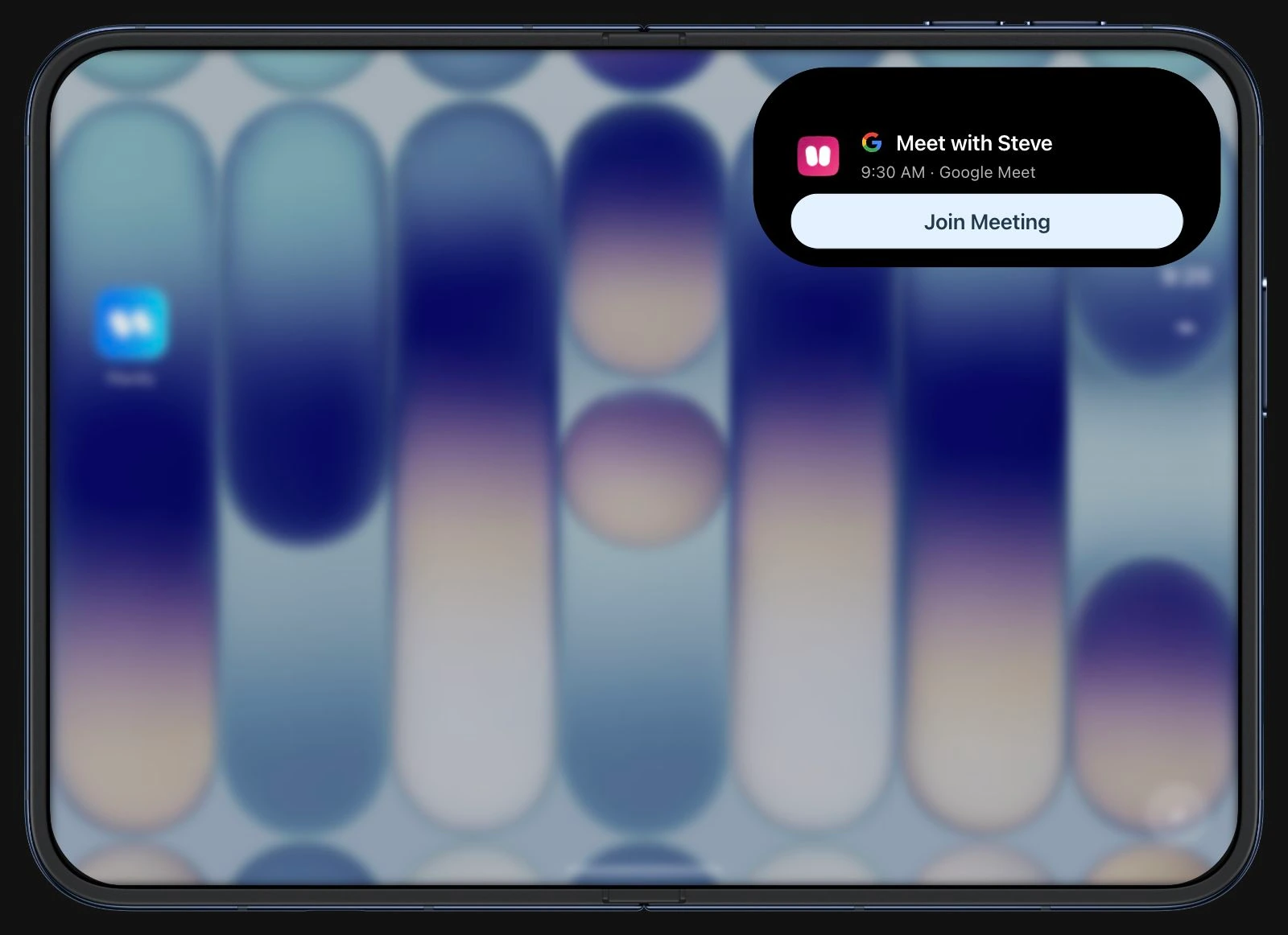
Open iPhone Duo preview with a Google meeting and Join Meeting action.
Open

Mac

Your Plany, right at the top of your Mac.

Mac hardware for the Plany design preview. Enable JavaScript to explore the sample activity.

iPad

Your next step, on your Lock Screen.
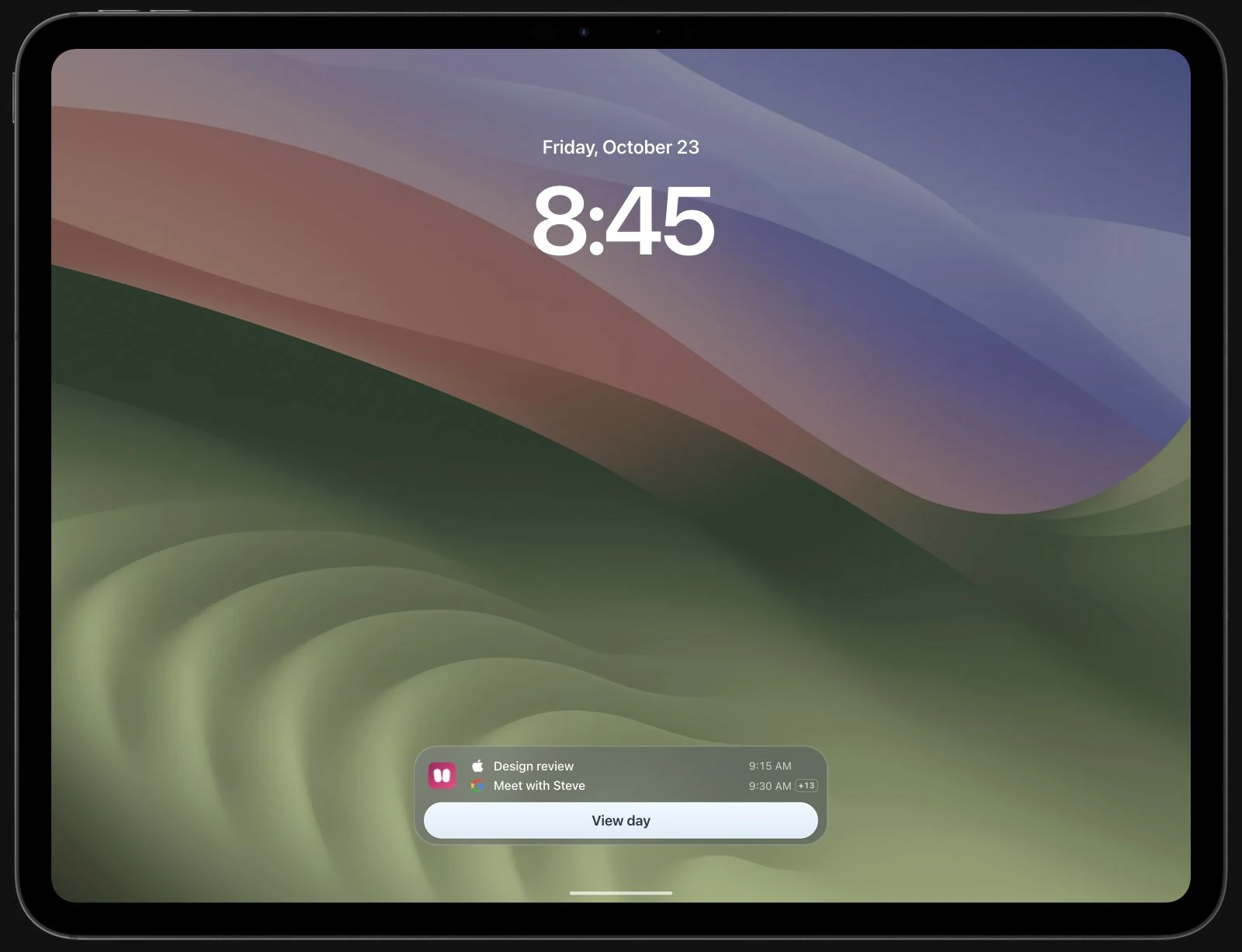
iPad design preview with Apple and Google calendar items in a glass Lock Screen activity.

Interactive previews with sample events. iPhone features are available in Planify 1.1; iPhone Duo, Mac and iPad remain in development. Layouts may change.